

What’s included
- Server installation and Windows Server setup
- Hardware RAID on the server’s controller, or software RAID where it fits
- An Active Directory domain, user accounts and groups
- DNS and DHCP for your network
- File servers with shared folders and permissions by department
- Group policies: password rules, mapped drives, printers and screen locks
- Backups for the server and its data
- Documents listing accounts, shares and settings
How we deliver
- Plan We agree users, departments, shared folders and who can see what.
- Build The server is installed and updated, and its RAID storage set up.
- Directory Active Directory, DNS and DHCP are configured.
- Join Computers join the domain and users get their accounts.
- Share Shared folders and permissions are set by department.
- Hand over You get the documents and a short admin guide.
RAID is not a backup
RAID keeps a server running when one disk fails. RAID 1 mirrors two disks. RAID 5 and RAID 6 spread data across three or more disks. RAID 10 combines mirroring and striping for speed.
None of them protect you from deleted files, ransomware or fire. That is what backups are for, and we set up both.
Permissions that make sense
We set permissions by group, not by person. When someone moves from the front office to accounts, you change one group and their access follows. It is simpler to run and easier to audit.
Server or cloud?
Some small offices are better served by Microsoft 365 and cloud sign-in than by a server in a cupboard. We will tell you honestly when a server is not worth it.
What affects the price
Every quote is built from your site. These are the things that change the number.
- The number of users and computers
- Whether a domain already exists
- RAID level and disk sizes
- Backup storage
Brands we use
- Microsoft
Sectors we serve
Related projects

Supreme, Kollam
One secure network for the head office and every branch. Firewalls, VLANs for data, voice and video, and locked switch ports. Active Directory and a file server for central logins and files, and Wi-Fi run from one place.
Where we work
We deliver Windows Server and Active Directory across Kollam (Quilon), Thiruvananthapuram (Trivandrum), Alappuzha (Alleppey) and Pathanamthitta, from our base in Kollam.
Questions we often get
Do small offices need Active Directory?
Not always. With fewer than ten users and files in OneDrive, cloud sign-in may be enough. With more users, shared files and printers, Active Directory saves time and gives you control.
Which RAID level should we use?
For two disks, RAID 1. For larger file servers, RAID 6 or RAID 10, depending on speed and capacity. We explain the trade-offs when we size the server.
Can you fix an existing domain?
Yes. We clean up old accounts, broken DNS and messy permissions, and document what is there.
Do you set up backups?
Yes. Every server we build gets a backup, and we test a restore before handover.
Related services
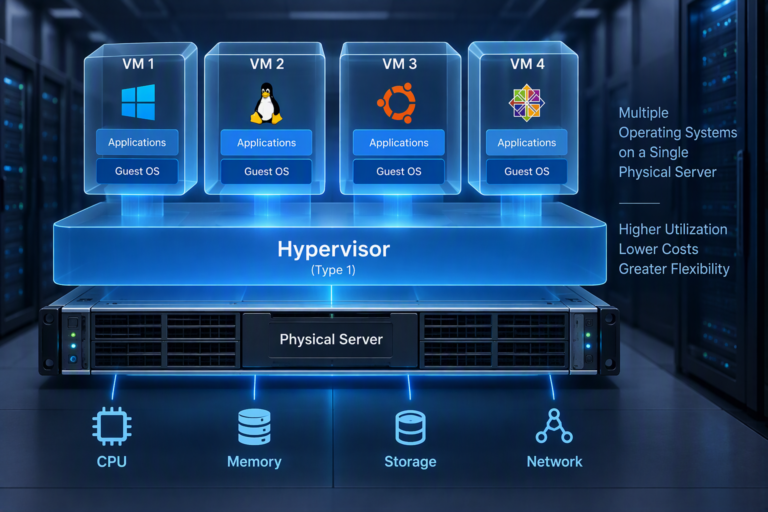
Server virtualisation
Run several servers on fewer machines with Hyper-V, VMware or NDCP private cloud, including moves away from VMware and backup design.
- Hyper-V
- VMware
- NDCP
- HA
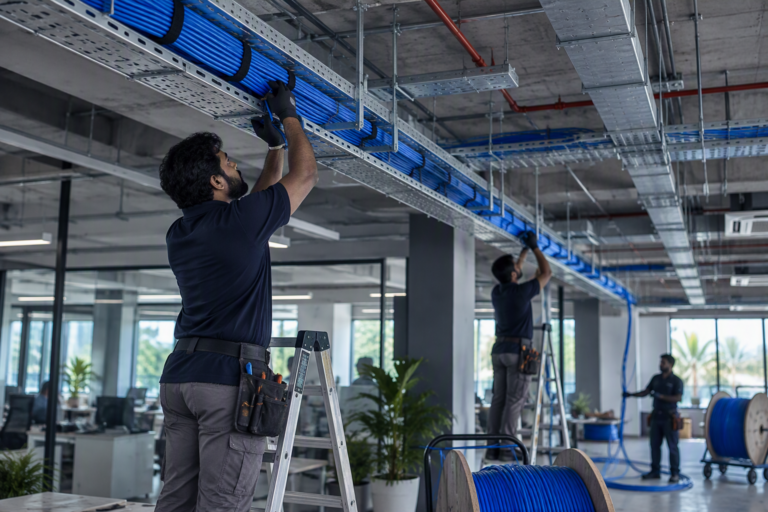
Structured cabling
CAT6 and CAT6A data cabling, I/O points, patch panels and racks. Every cable labelled at both ends and tested before handover.
- CAT6
- CAT6A
- I/O
- Racks

Fibre optic cabling
Optical fibre backbones between floors, buildings and racks. Pulling, splicing and termination, with splice records at handover.
- OFC
- Splicing
- LIU