
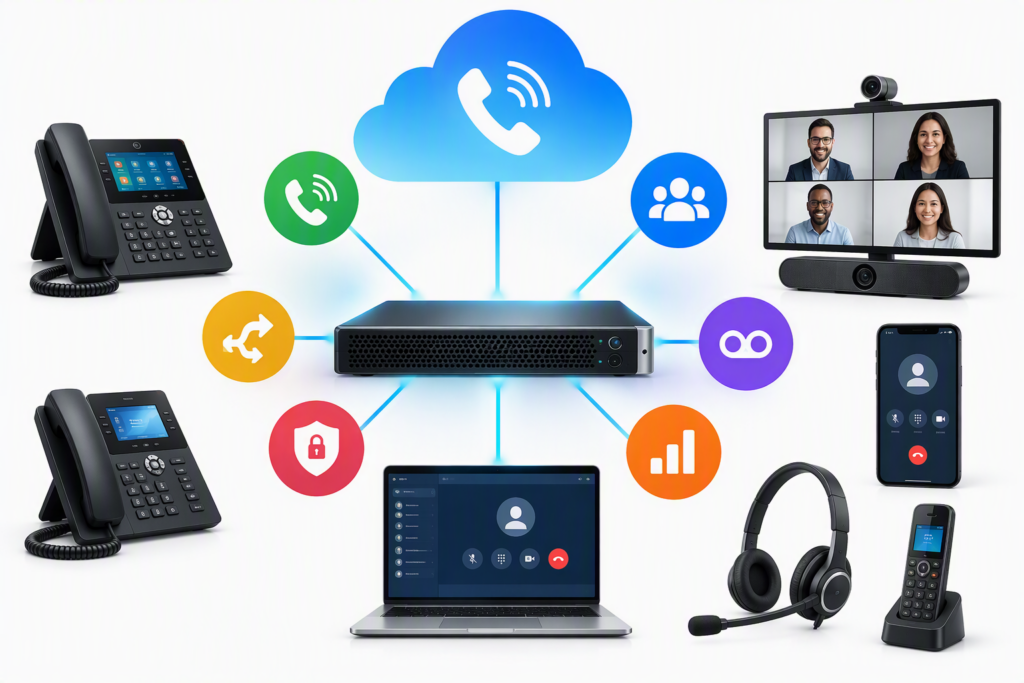
What’s included
- IP PBX supply and setup, on site or as a virtual system
- IP desk phones, conference phones and reception consoles
- Extensions for each desk, department and floor
- An auto attendant (IVR): “Press 1 for accounts”
- Ring groups, call queues, call forwarding and voicemail to email
- Call recording, where your policy allows it
- Connection to your existing telephone lines through the right gateways
- Mobile apps so staff can take office calls on their phones
How we deliver
- Plan We list extensions, departments and how calls should flow.
- Design We plan the call flow, IVR menus and line connections.
- Cable Phones get network points, powered by PoE switches.
- Install The PBX, gateways and phones are installed and labelled.
- Configure Extensions, groups, voicemail and recording are set up.
- Train Reception and staff learn transfers, conferences and voicemail.
Calls that reach the right person
An auto attendant greets callers and sends them to the right department. Ring groups ring several phones at once, so calls are not missed when one person is away. Missed calls and voicemail can arrive by email.
On the network you already have
IP phones use the same structured cabling as your computers, on a separate VLAN so voice stays clear. PoE switches power the phones, so you need no extra power points at each desk.
Hospitals, hotels and schools
For hospitals and hotels we plan extensions for wards or rooms, and can link paging to the public address system. Schools get extensions for the office, staff room and labs, with easy transfer to the principal.
What affects the price
Every quote is built from your site. These are the things that change the number.
- The number of extensions and phone models
- Your telephone lines and the gateways they need
- IVR menus, queues and call recording
- Mobile apps and conference phones
Brands we use
- Grandstream
Related projects

I Mall, Kollam
Head office and branch offices
A complete IT upgrade for the head office and branches: cabling, network and security, servers, email and phones, from one team.
- Kollam
- Retail
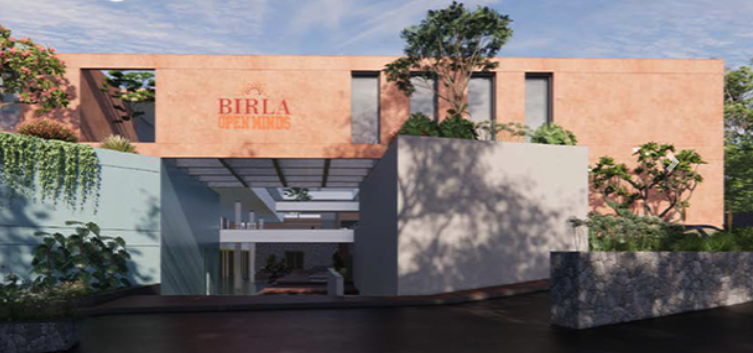
Birla Open Minds School, Kollam
One team for every system in the school. Cabling in trays to each classroom and office, CCTV inside and around the campus, biometric access and campus Wi-Fi. IP phones for the office and a firewall that keeps students safe online.
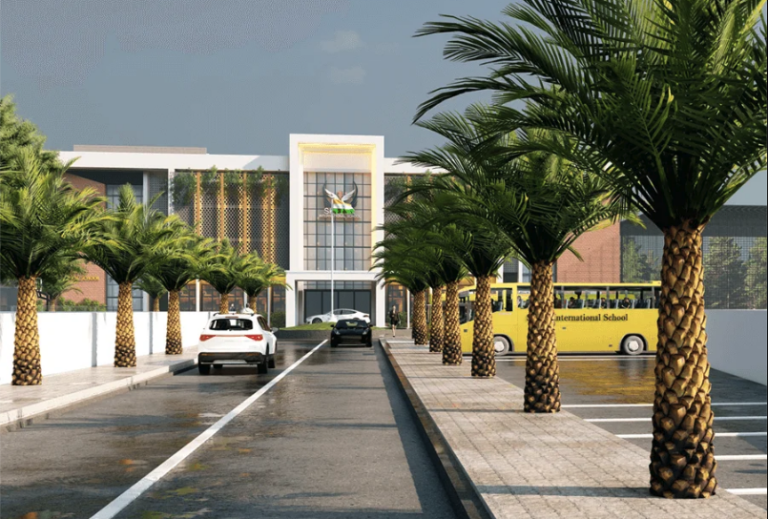
Skylar International School, Kollam
ELV design and installation for a multi-storey school, from the classrooms to the perimeter. Structured cabling in trays, CCTV, biometric access, Wi-Fi and IP phones. A firewall filters internet access for students and staff.
Where we work
We deliver IP PBX and IP phones across Kollam (Quilon), Thiruvananthapuram (Trivandrum), Alappuzha (Alleppey) and Pathanamthitta, from our base in Kollam.
Questions we often get
Can we keep our phone numbers?
Yes. The IP PBX connects to your current lines through gateways, so your numbers stay the same.
Can staff take office calls on their mobile?
Yes. Staff can use an app to make and take office calls on their phone, where your setup allows it.
Do we need new cabling for IP phones?
If your network points are CAT5e or better, usually not. Each phone needs a network point, and many phones pass the connection on to a computer.
What happens in a power cut?
Put the PBX and PoE switches on a UPS and the phones keep working through common power cuts. We size the UPS with you.
Related services

Public address systems
IP speakers and PA systems for announcements, paging zones and scheduled bells in schools, hospitals, offices and shops.
- PA
- IP speaker
- Zones
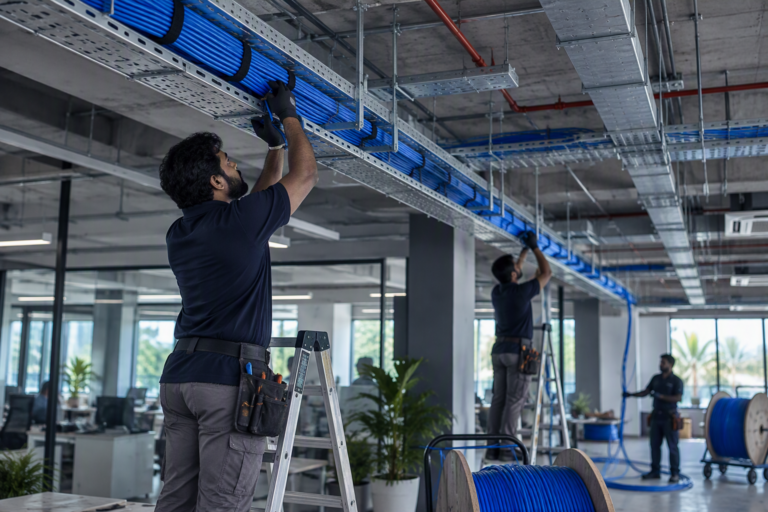
Structured cabling
CAT6 and CAT6A data cabling, I/O points, patch panels and racks. Every cable labelled at both ends and tested before handover.
- CAT6
- CAT6A
- I/O
- Racks
Fibre optic cabling
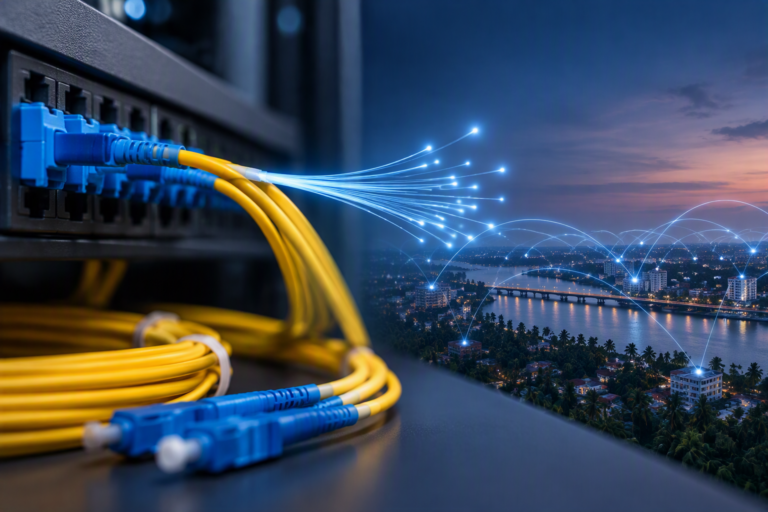
Optical fibre backbones between floors, buildings and racks. Pulling, splicing and termination, with splice records at handover.
- OFC
- Splicing
- LIU