
What a campus needs
A campus is a small town: offices, classrooms, labs, hostels, a library and gates, often spread across several buildings. The network has to reach all of them, keep students safe online, and still be simple enough for a small IT team to run.
- Campus Wi-Fi for classrooms, staff rooms, hostels and grounds
- Computer labs: data points, switches and racks, ready before exams
- Fibre between blocks
- Firewalls with content filtering and separate student and staff networks
- CCTV for gates, corridors, exam halls and grounds
- Public address systems and scheduled bells
- Microsoft 365 for education: email, Teams and Office
- Boom barriers and gate automation for entrances
Services for education
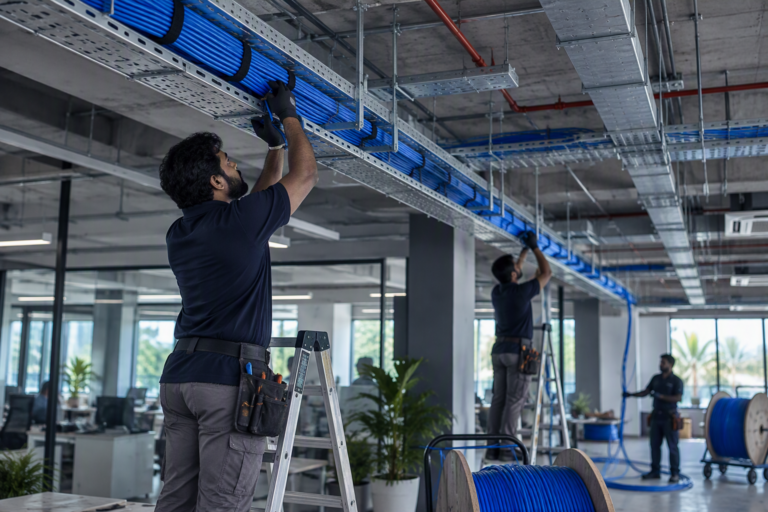
Structured cabling
CAT6 and CAT6A data cabling, I/O points, patch panels and racks. Every cable labelled at both ends and tested before handover.
- CAT6
- CAT6A
- I/O
- Racks

Fibre optic cabling
Optical fibre backbones between floors, buildings and racks. Pulling, splicing and termination, with splice records at handover.
- OFC
- Splicing
- LIU

Network design and configuration
LAN design, managed switches, VLANs, PoE, routers and SD-WAN. Networks set up properly, documented and handed over.
- LAN
- VLAN
- PoE
- SD-WAN

Wi-Fi installation
Business Wi-Fi planned for coverage, not guesswork. Access points, controllers, guest access and roaming for offices, campuses and hotels.
- AP
- Controller
- WPA3
- Guest
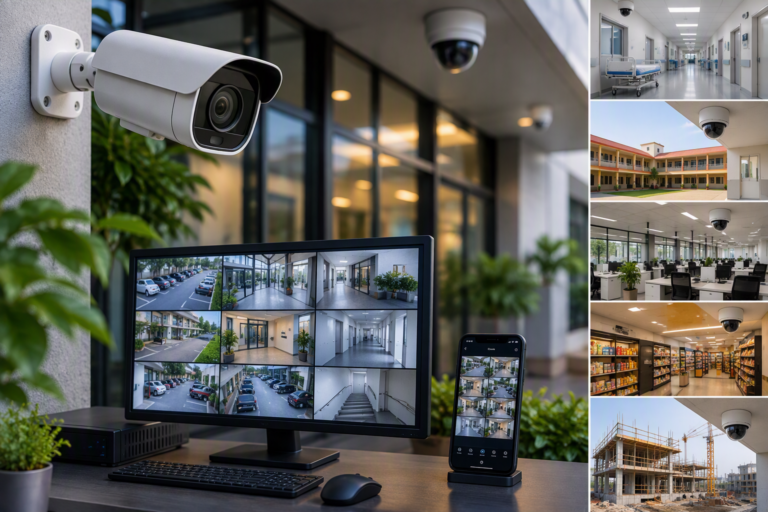
CCTV and IP camera installation
IP cameras, NVRs, PoE networks and camera poles, indoors and out. Clear images, enough storage, and viewing on your phone.
- IP
- PoE
- NVR
- VMS

IT hardware supply
Desktops, laptops, servers, storage, switches, firewalls, UPS and racks, supplied to your BOQ and installed by the same team.
- Servers
- Storage
- Switches
- UPS

Software licensing
Genuine Windows Server, Microsoft 365, Azure and NDCP licences, with advice on the right plan and reminders before renewals.
- Windows Server
- M365
- Azure
- NDCP

Microsoft 365 for education
Institutional email, Teams classes, OneDrive and Office web apps for schools and colleges, set up securely, with training for teachers.
- A1
- Teams
- Exchange
- OneDrive
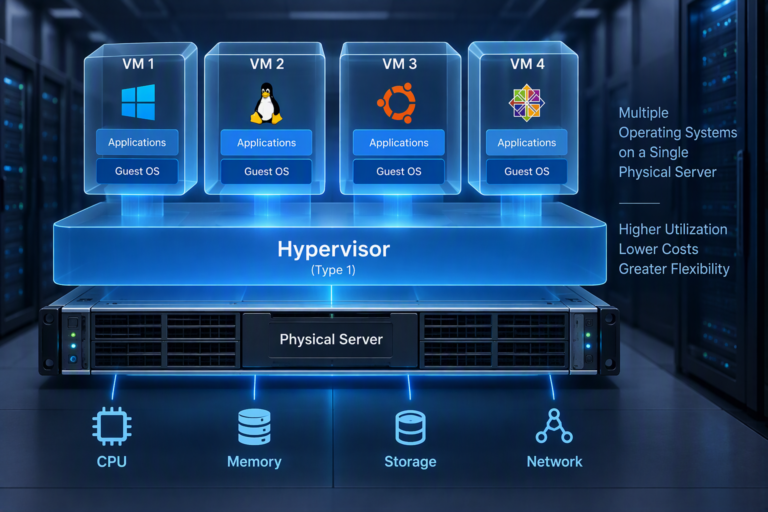
Server virtualisation
Run several servers on fewer machines with Hyper-V, VMware or NDCP private cloud, including moves away from VMware and backup design.
- Hyper-V
- VMware
- NDCP
- HA

Windows Server and Active Directory
Server builds, RAID, Active Directory, DNS, DHCP and file servers, set up cleanly so logins, shares and permissions just work.
- AD
- DNS
- DHCP
- RAID
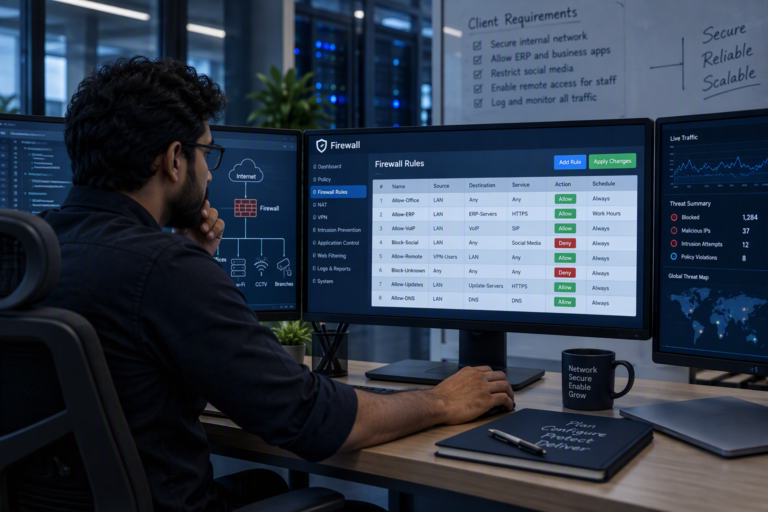
Firewall Configuration
Next-generation firewalls set up properly: web filtering, separate networks, VPN for remote staff, bandwidth control and logs.
- NGFW
- IPS
- VPN
- Web filter

Endpoint security
Business antivirus and EDR on every computer and server, managed from one console, with USB control and email protection.
- EPP
- EDR
- Device control

IT security assessment
A practical review of your network, firewall, Microsoft 365, Wi-Fi and backups, with a ranked list of fixes and help to make them.
- VA
- Review
- M365
- Backup
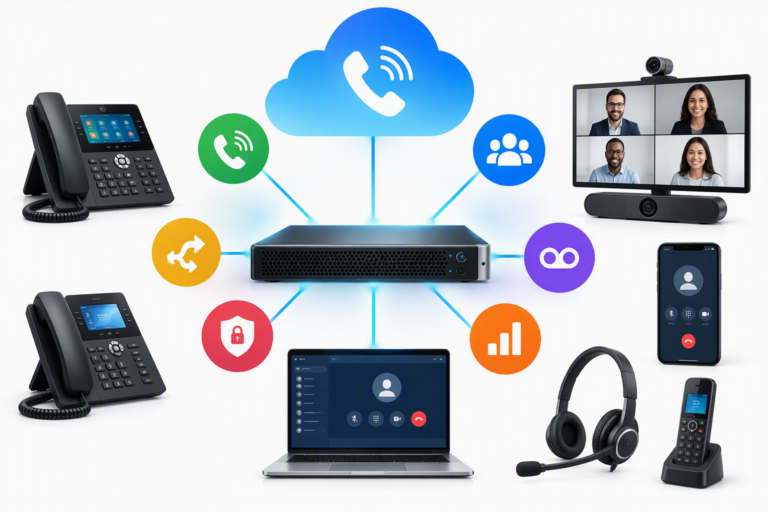
IP PBX and IP phones
IP PBX systems and desk phones with extensions, IVR, call groups and recording, connected to your existing lines.
- IP PBX
- SIP
- IVR

Public address systems
IP speakers and PA systems for announcements, paging zones and scheduled bells in schools, hospitals, offices and shops.
- PA
- IP speaker
- Zones
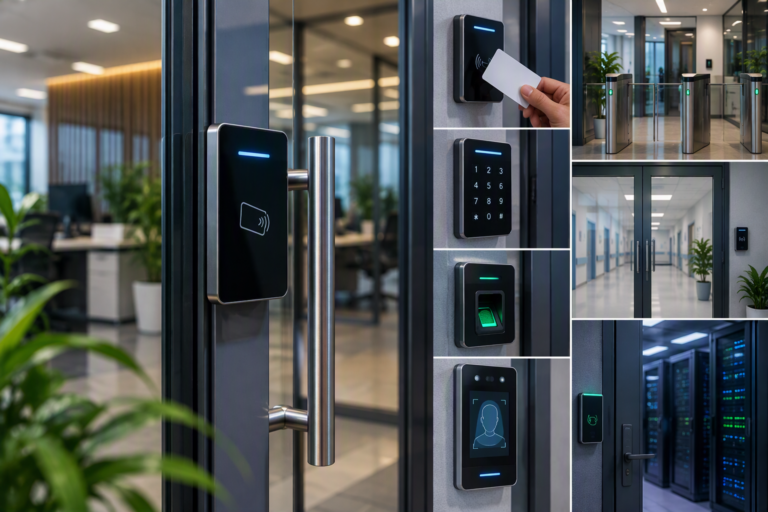
Access control systems
Card, PIN, fingerprint and face readers with electric locks: control who opens which door and when, with a record of every entry.
- RFID
- Biometric
- EM lock
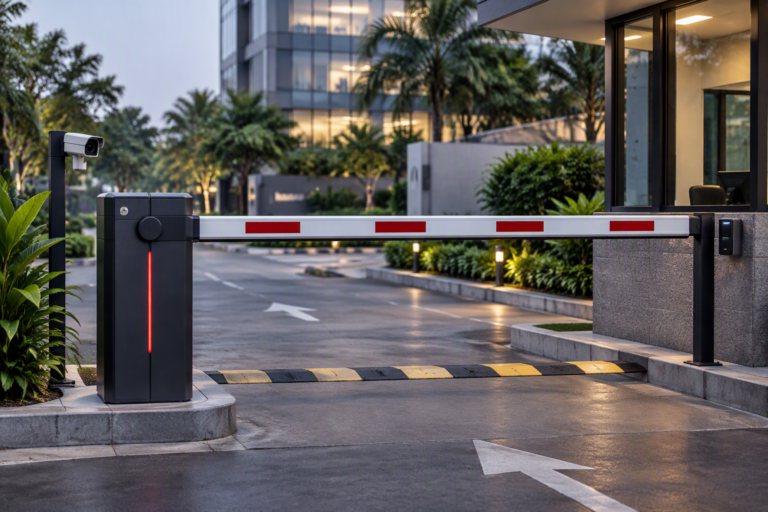
Boom barriers
Automatic boom barriers for gates and car parks, opened by remote, RFID tag or card, with vehicle sensors for safety.
- RFID
- Loop
- Remote

Gate automation
Motors for sliding and swing gates, opened by remote, keypad, RFID tag or phone, with safety sensors and a manual release.
- Sliding
- Swing
- RFID

Annual maintenance (AMC) and support
Annual maintenance for CCTV, networks, Wi-Fi, servers, access control and PA, from the team that installed them.
- AMC
- Preventive
- Support
How we work on campus
We plan big installations for vacations and weekends, so classes and exams carry on. Labs are tested before term starts.
Safe internet is a policy as much as a product. We set filtering rules with your principal or management, keep student, staff and office networks apart, and give you reports you can share when asked.
For Microsoft 365 for education, we check eligibility first, at no cost, then set up accounts by class and train your teachers.
Projects
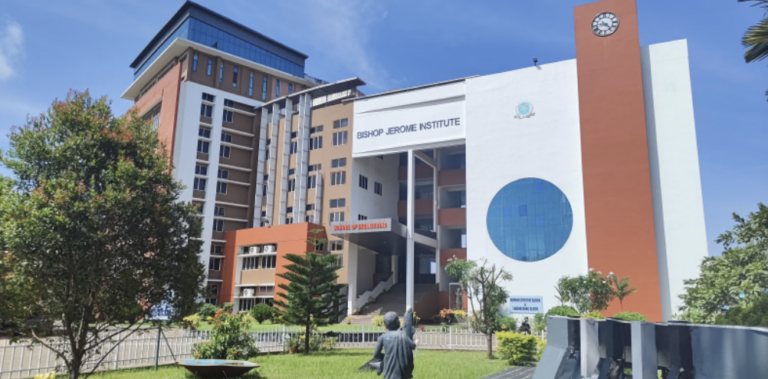
Bishop Jerome Institute, Kollam
2.5 lakh sq ft, three academic blocks
A new campus network across the Engineering, Management and Architecture blocks, about 2.5 lakh sq ft, built after a full audit of the old one.
- Kollam
- Education
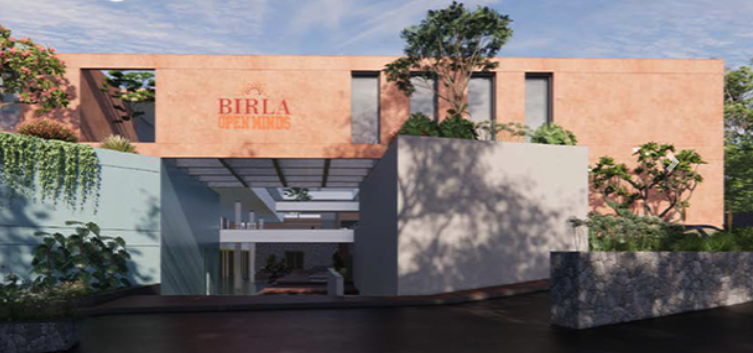
Birla Open Minds School, Kollam
One team for every system in the school. Cabling in trays to each classroom and office, CCTV inside and around the campus, biometric access and campus Wi-Fi. IP phones for the office and a firewall that keeps students safe online.
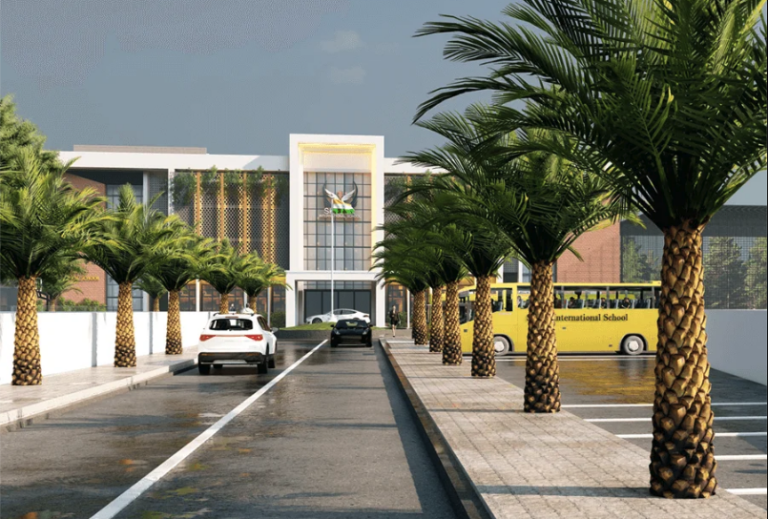
Skylar International School, Kollam
ELV design and installation for a multi-storey school, from the classrooms to the perimeter. Structured cabling in trays, CCTV, biometric access, Wi-Fi and IP phones. A firewall filters internet access for students and staff.
Questions we often get
Can you set up a computer lab before exams?
Yes. Give us the date and we plan cabling, switches and testing to finish before it.
How do you keep students safe online?
A firewall with web filtering blocks unsafe sites and enforces safe search. Students, staff and the office each get their own network, with rules agreed with you.
Do you help with Microsoft 365 for education?
Yes. We check eligibility with Microsoft for free, then set up email, Teams and accounts, and train your teachers.