
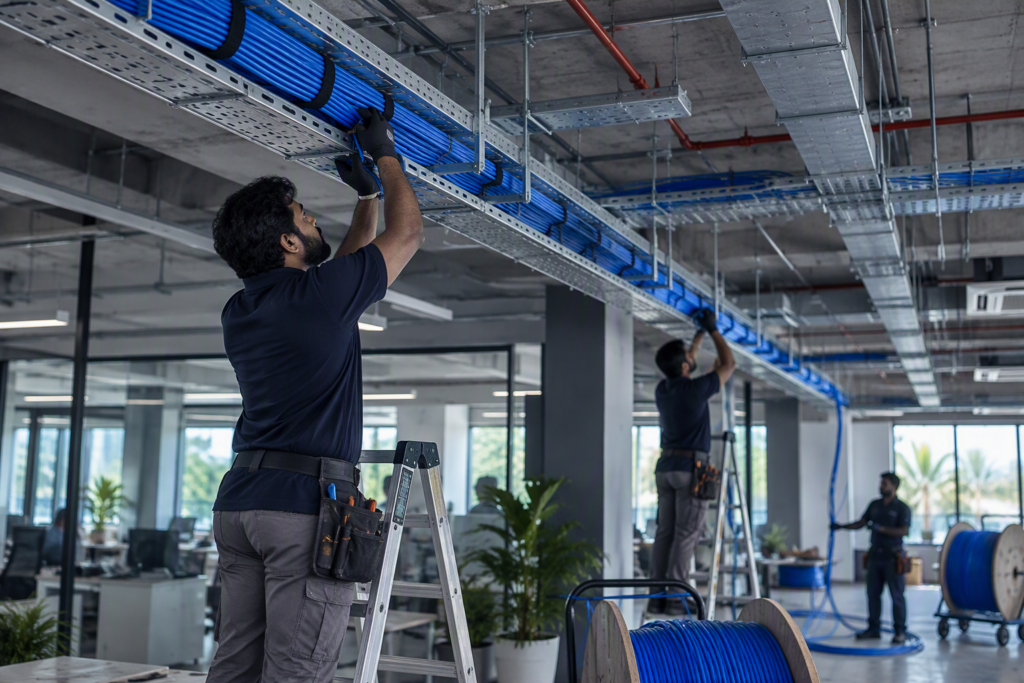
What’s included
- CAT6 and CAT6A cabling for data, voice, CCTV and Wi-Fi points
- Information outlets (I/O points), faceplates and back boxes
- Patch panels, cable managers and patch cords
- Wall-mounted and floor-standing network racks, assembled and dressed
- Containment: surface and concealed PVC conduit, underground conduit, GI pipe and cable tray
- Labels at both ends of every cable, matched to the drawings
- Testing of every link, with records at handover
- Drawings marked up to show what was installed
How we deliver
- Survey We walk the site, check routes and rack positions, and count the points with you.
- Plan We mark up the drawings, size the racks and agree cable types and makes.
- Containment Conduit and tray go in first, ideally before plastering or false ceilings close.
- Pull and terminate Cables are pulled, terminated on outlets and patch panels, and labelled.
- Test Every link is tested. Faults are fixed before we call the job done.
- Hand over You get dressed racks, test records and drawings that match the building.
CAT6 or CAT6A?
CAT6 carries 1 Gb/s to every desk and suits most offices, schools and shops. It can also carry 10 Gb/s over shorter runs, up to about 55 metres.
CAT6A carries 10 Gb/s over the full 100 metre channel. We suggest it for server rooms, links between racks and new buildings that should last fifteen years or more. It costs more and is thicker, so racks and containment need more room.
We tell you where each one makes sense, rather than defaulting to the more expensive cable.
Labelled at both ends
Every cable carries the same label at the outlet and at the patch panel, and the label matches the drawing. When a port stops working two years from now, your IT person finds it in minutes, not hours.
We dress the racks too: cables bundled, routed and tied neatly, with patch cords cut to length. It looks better, and it keeps air flowing to your switches.
New buildings and occupied ones
In a new building we work to the approved drawings and the main contractor’s programme, and put containment in before walls and ceilings are finished.
In a building that is already in use, we plan routes that avoid breaking walls, work in phases or after hours, and keep each department running while we work.
What affects the price
Every quote is built from your site. These are the things that change the number.
- The number of data points and racks
- CAT6 or CAT6A cable
- Concealed or surface containment
- Ceiling heights, wall types and access to the site
Brands we use
- D-Link
- Molex
- Schneider Electric
Related projects
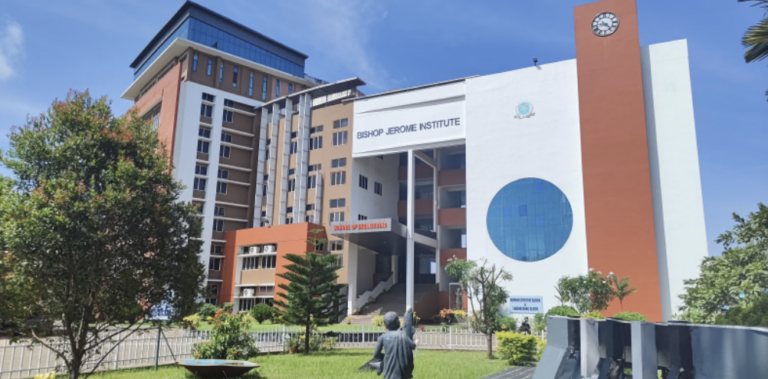
Bishop Jerome Institute, Kollam
2.5 lakh sq ft, three academic blocks
A new campus network across the Engineering, Management and Architecture blocks, about 2.5 lakh sq ft, built after a full audit of the old one.
- Kollam
- Education

I Mall, Kollam
Head office and branch offices
A complete IT upgrade for the head office and branches: cabling, network and security, servers, email and phones, from one team.
- Kollam
- Retail
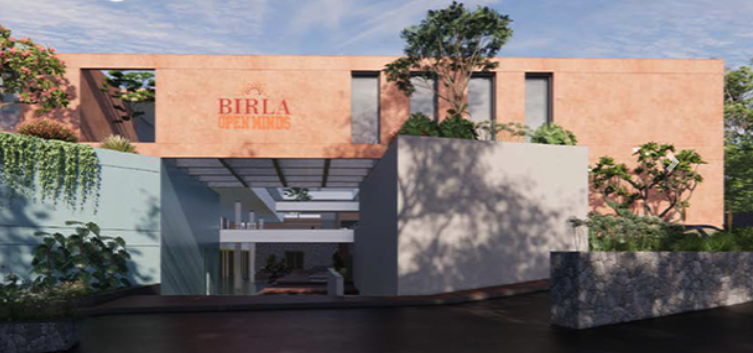
Birla Open Minds School, Kollam
One team for every system in the school. Cabling in trays to each classroom and office, CCTV inside and around the campus, biometric access and campus Wi-Fi. IP phones for the office and a firewall that keeps students safe online.
Where we work
We deliver structured cabling across Kollam (Quilon), Thiruvananthapuram (Trivandrum), Alappuzha (Alleppey) and Pathanamthitta, from our base in Kollam.
Questions we often get
How many data points do we need?
Count one point for every desk, printer, camera and wireless access point, then add spare points for growth. We usually suggest one or two spare points per room, and confirm the count during the site survey.
Do you test every cable?
Yes. Every link is tested before handover and you get the test records. Any fault is fixed before we close the job.
Can you work in a building that is already in use?
Yes. We use surface conduit or trunking where walls cannot be cut, work in phases or after hours, and clean up at the end of each day.
Do you supply the cable and racks, or only install?
Either. We can supply approved makes from your BOQ, or install materials you have already bought. For install-only work we bill on measured quantities.
How long does an office take?
It depends on the number of points, the walls and ceilings, and access. A small office is often a few days of work. We give you a programme with the quote.
Related services

Fibre optic cabling
Optical fibre backbones between floors, buildings and racks. Pulling, splicing and termination, with splice records at handover.
- OFC
- Splicing
- LIU

Network design and configuration
LAN design, managed switches, VLANs, PoE, routers and SD-WAN. Networks set up properly, documented and handed over.
- LAN
- VLAN
- PoE
- SD-WAN

Wi-Fi installation
Business Wi-Fi planned for coverage, not guesswork. Access points, controllers, guest access and roaming for offices, campuses and hotels.
- AP
- Controller
- WPA3
- Guest