

What’s included
- Coverage planning from your floor plans and a site walk
- Ceiling and wall-mounted access points, indoor and outdoor
- A cable and PoE switch port for each access point
- Controller or cloud management setup
- Separate networks (SSIDs) for staff, students, guests and devices, each on its own VLAN
- WPA2 or WPA3 security, and guest access with a password or vouchers
- Channel and power settings tuned to avoid interference
- Coverage checks after installation, with adjustments where needed
How we deliver
- Survey We walk the building and note walls, floors and where people use Wi-Fi most.
- Plan We mark access point positions and decide the networks and security.
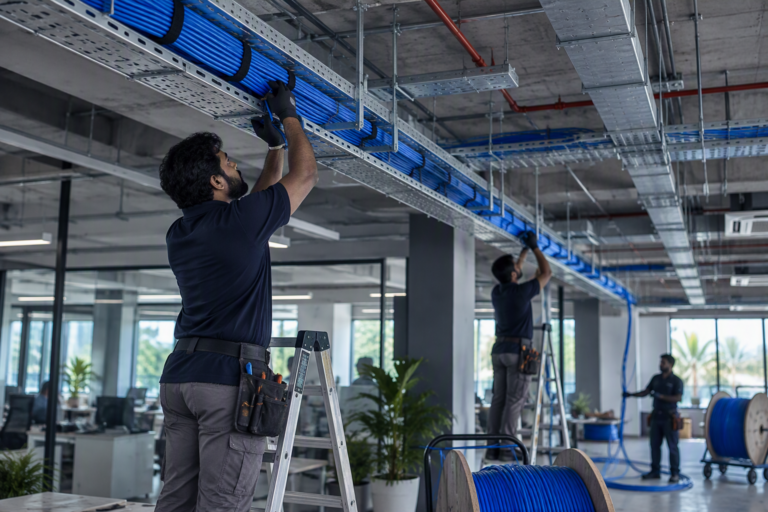
- Cable Each access point gets a CAT6 cable from a PoE switch port.
- Install Access points are mounted neatly, labelled and connected.
- Configure We set up networks, security, guest access and roaming.
- Check We walk the site again, measure coverage and adjust before handover.
Coverage is a plan, not a router
Concrete walls, steel and glass all weaken Wi-Fi. One powerful router in a corner rarely covers a building. Several access points, placed where people actually work and connected by cable, give steady speed everywhere and let phones move between them without dropping calls.
Staff, guests and devices on separate networks
Guests should never reach your billing system or cameras. We give each group its own network name and VLAN, and limit guest speed so visitors cannot slow the office down.
Campuses, hostels and outdoor areas
For colleges, hostels and hotels we plan for many users at once, not just coverage. Outdoor access points cover courtyards, car parks and grounds, in housings rated for Kerala rain.
What affects the price
Every quote is built from your site. These are the things that change the number.
- The size of the building and its walls and floors
- How many people connect at the same time
- Indoor or outdoor access points
- Controller or cloud management licences
Brands we use
- Cisco
- HPE Aruba
- TP-Link
- D-Link
Related projects
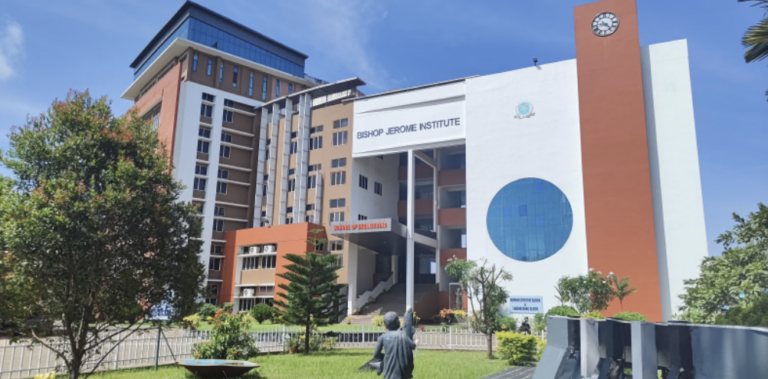
Bishop Jerome Institute, Kollam
2.5 lakh sq ft, three academic blocks
A new campus network across the Engineering, Management and Architecture blocks, about 2.5 lakh sq ft, built after a full audit of the old one.
- Kollam
- Education
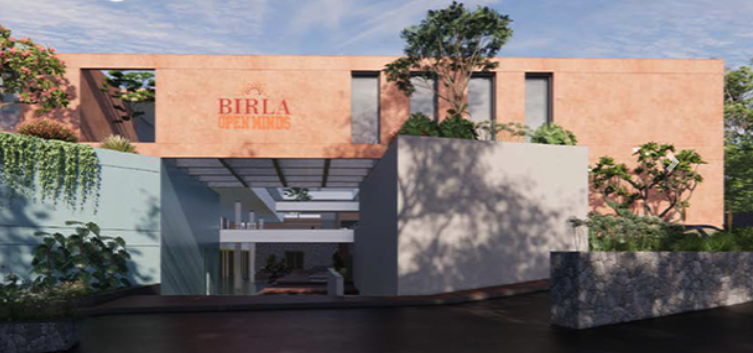
Birla Open Minds School, Kollam
One team for every system in the school. Cabling in trays to each classroom and office, CCTV inside and around the campus, biometric access and campus Wi-Fi. IP phones for the office and a firewall that keeps students safe online.
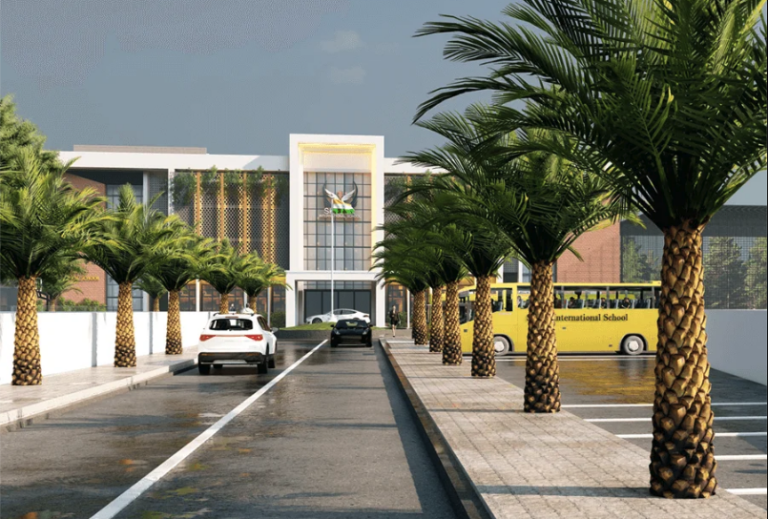
Skylar International School, Kollam
ELV design and installation for a multi-storey school, from the classrooms to the perimeter. Structured cabling in trays, CCTV, biometric access, Wi-Fi and IP phones. A firewall filters internet access for students and staff.
Where we work
We deliver Wi-Fi installation across Kollam (Quilon), Thiruvananthapuram (Trivandrum), Alappuzha (Alleppey) and Pathanamthitta, from our base in Kollam.
Questions we often get
How many access points do we need?
It depends on the building and how many people connect at once. In an office with brick walls, one access point often covers a few rooms. We confirm the number after the site survey.
Can guests use our Wi-Fi safely?
Yes. The guest network is kept apart from your office network, has its own password or vouchers, and can be limited in speed and hours.
Why do our calls drop when we walk around?
Usually because access points are not set up for roaming, or there are gaps in coverage. Business access points with a controller hand phones from one to the next smoothly.
Can you fix the Wi-Fi we already have?
Often. We survey what you have, adjust positions and settings, and add access points only where coverage is actually missing.
Related services

Network design and configuration
LAN design, managed switches, VLANs, PoE, routers and SD-WAN. Networks set up properly, documented and handed over.
- LAN
- VLAN
- PoE
- SD-WAN
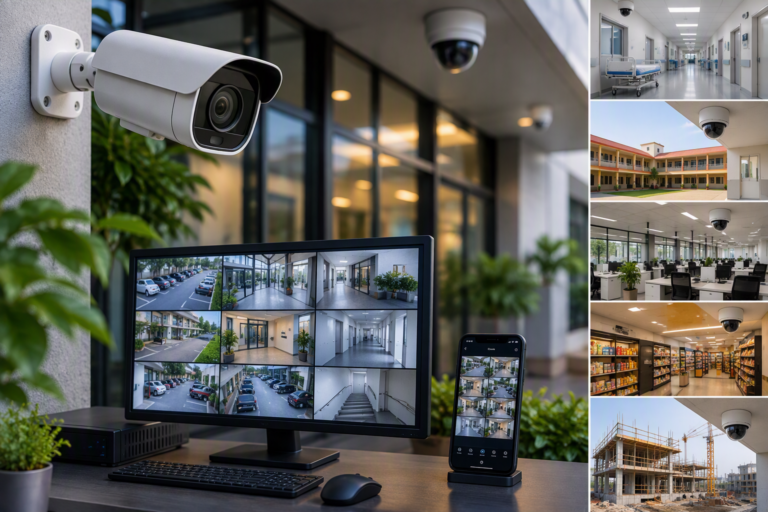
CCTV and IP camera installation
IP cameras, NVRs, PoE networks and camera poles, indoors and out. Clear images, enough storage, and viewing on your phone.
- IP
- PoE
- NVR
- VMS
Structured cabling
CAT6 and CAT6A data cabling, I/O points, patch panels and racks. Every cable labelled at both ends and tested before handover.
- CAT6
- CAT6A
- I/O
- Racks