
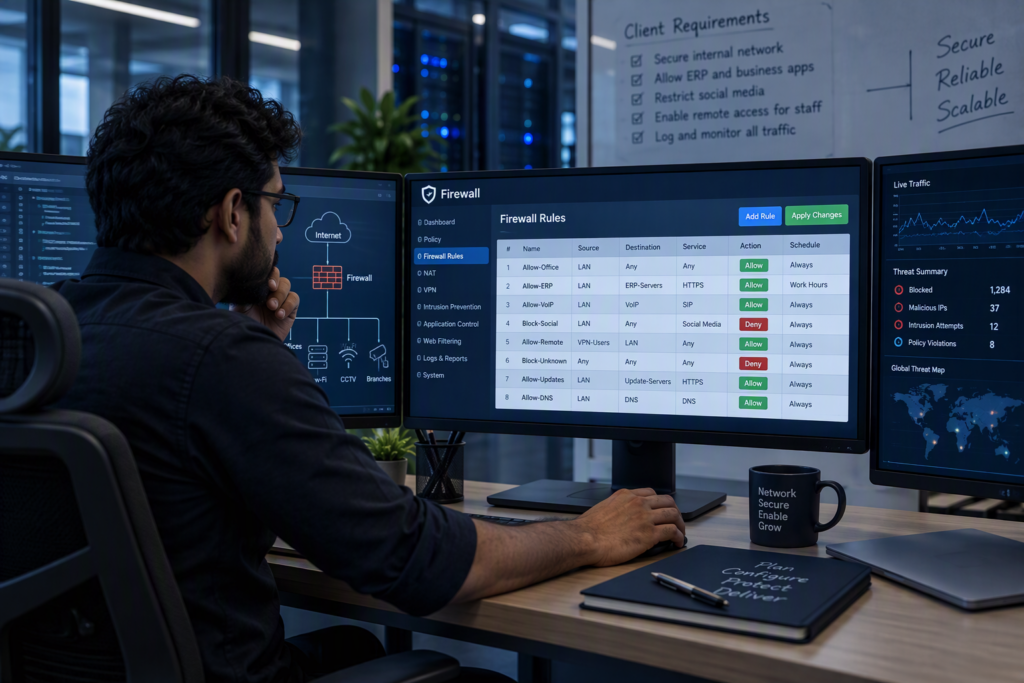
What’s included
- Sizing for your users, internet speed and the features you need
- Supply and installation of a next-generation firewall
- Rules that separate staff, students or guests, CCTV and servers
- Web filtering to block unsafe and unsuitable sites
- Application control and bandwidth limits by group
- Intrusion prevention and malware scanning
- VPN for remote staff and links between branches
- Logs and reports, with subscription renewals tracked
How we deliver
- Review We look at your internet lines, users and what needs protecting.
- Size We pick a model with the speed you need with security features switched on.
- Design We plan zones, rules and filtering with you.
- Install The firewall goes in during a planned window.
- Tune We watch traffic for a few days and adjust rules and filters.
- Hand over You get the rule set, admin access and renewal dates.
Sized with the protection switched on
Firewall datasheets quote a headline speed with security features off. With web filtering, intrusion prevention and scanning switched on, real speed is much lower. We size on the protected figure, so your internet does not slow down the day the firewall goes in.
For schools: safe and separate
Students, staff, the office and guests each get their own network. The firewall blocks unsafe content, enforces safe search, and gives the office and exam halls priority when bandwidth runs short.
Subscriptions matter
Next-generation features depend on a subscription. When it lapses, filtering and threat updates stop, often without anyone noticing. We track renewal dates and remind you in time.
What affects the price
Every quote is built from your site. These are the things that change the number.
- Your internet speed and number of users, which set the model
- A one-year or three-year subscription
- The number of sites to link by VPN
- Two firewalls for high availability, if you need it
Brands we use
- Sophos
Related projects
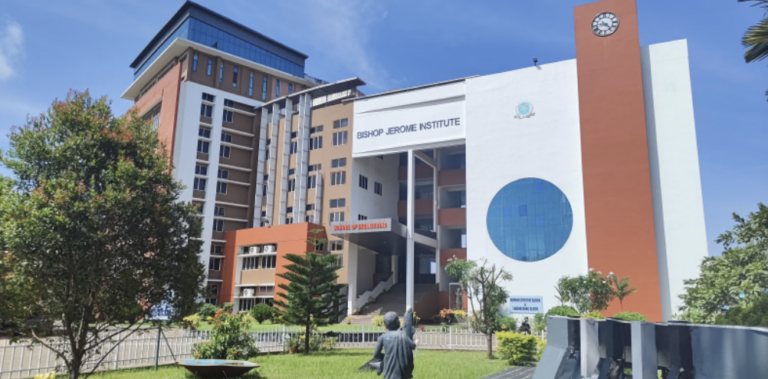
Bishop Jerome Institute, Kollam
2.5 lakh sq ft, three academic blocks
A new campus network across the Engineering, Management and Architecture blocks, about 2.5 lakh sq ft, built after a full audit of the old one.
- Kollam
- Education
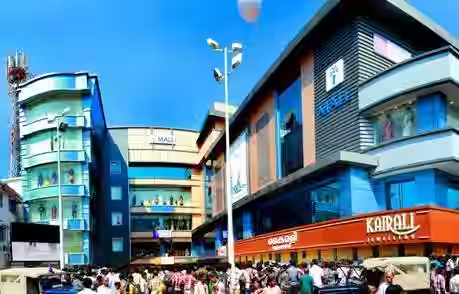
I Mall, Kollam
Head office and branch offices
A complete IT upgrade for the head office and branches: cabling, network and security, servers, email and phones, from one team.
- Kollam
- Retail
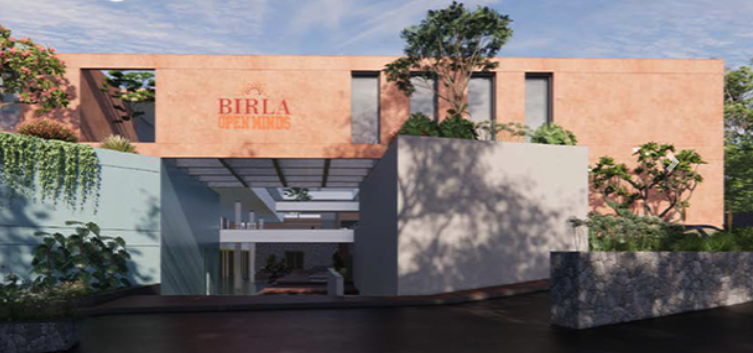
Birla Open Minds School, Kollam
One team for every system in the school. Cabling in trays to each classroom and office, CCTV inside and around the campus, biometric access and campus Wi-Fi. IP phones for the office and a firewall that keeps students safe online.
Where we work
We deliver firewall Configuration across Kollam (Quilon), Thiruvananthapuram (Trivandrum), Alappuzha (Alleppey) and Pathanamthitta, from our base in Kollam.
Questions we often get
Do we need a firewall if our router has one?
A basic router blocks unrequested traffic, but it does not filter websites, inspect traffic for threats, separate networks properly or give you reports. A business firewall does.
Which firewall brand do you use?
We often recommend Sophos, and we work with other brands your IT policy prefers. We size the model to your users and internet speed.
Can staff work from home securely?
Yes. We set up a VPN so staff reach office systems through an encrypted link, with multi-factor sign-in where your firewall supports it.
What happens when the subscription ends?
The firewall keeps passing traffic, but web filtering, threat updates and some features stop. We remind you before the renewal date.
Related services

Endpoint security
Business antivirus and EDR on every computer and server, managed from one console, with USB control and email protection.
- EPP
- EDR
- Device control

IT security assessment
A practical review of your network, firewall, Microsoft 365, Wi-Fi and backups, with a ranked list of fixes and help to make them.
- VA
- Review
- M365
- Backup
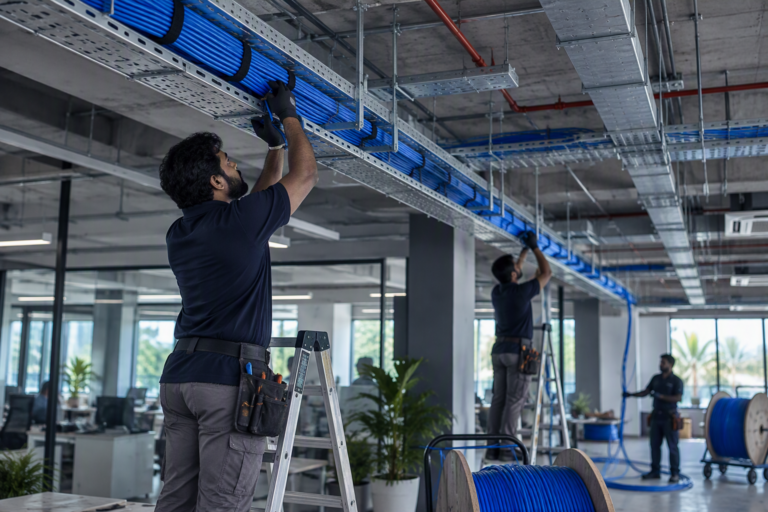
Structured cabling
CAT6 and CAT6A data cabling, I/O points, patch panels and racks. Every cable labelled at both ends and tested before handover.
- CAT6
- CAT6A
- I/O
- Racks